Best PLA Settings for Cleaner 3D Prints in 2026
Quick answer
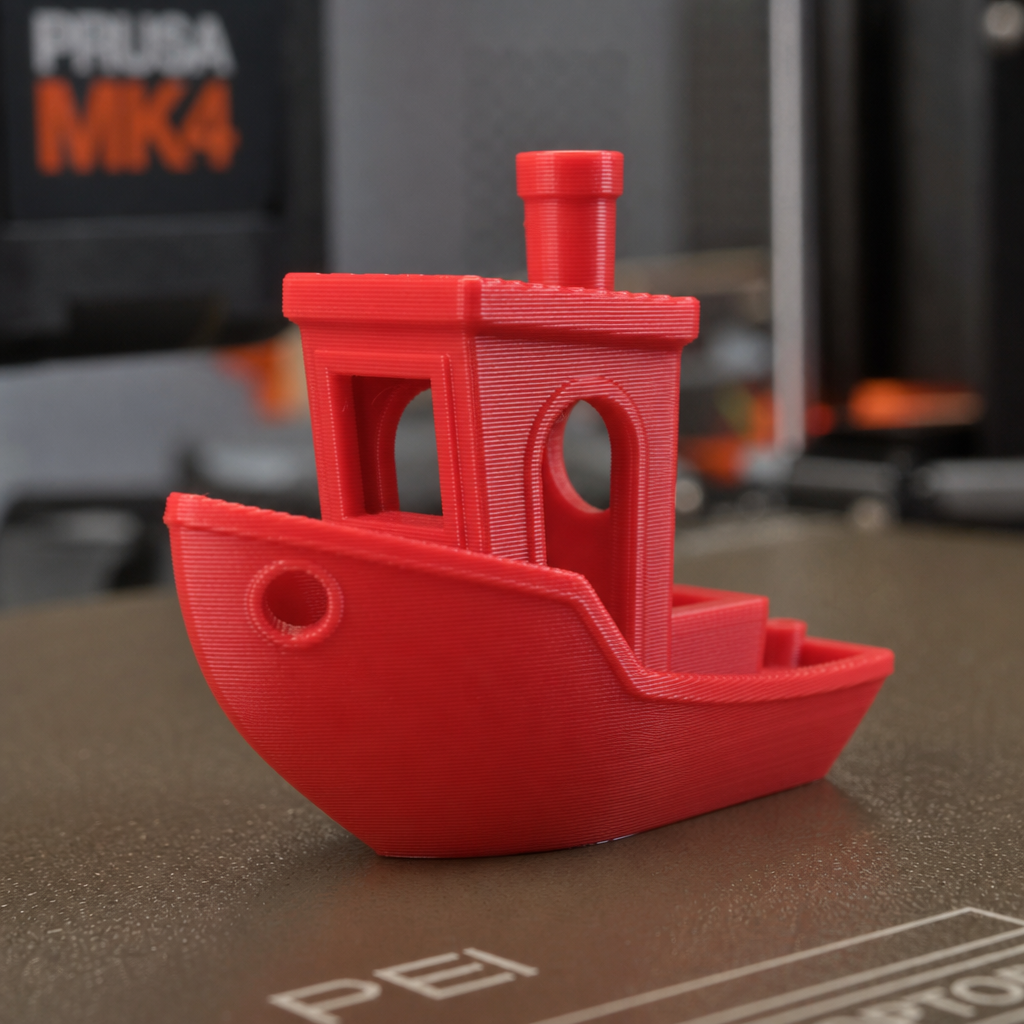
For cleaner PLA prints, start around 210-220°C nozzle temperature, 55-60°C bed temperature, 100% cooling after the first few layers, 0.16-0.20mm layer height, 3 walls for nicer outer surfaces, and slightly slower outer walls. On Bambu printers, keep the default PLA profile as your baseline, then tune temperature, flow, and outer-wall speed before touching exotic slicer settings.
PLA is supposed to be the easy filament. And it is, until the surface looks fuzzy, corners bulge, overhangs sag, supports scar the part, or the first layer turns into modern art. The good news: most PLA quality problems come from a small handful of settings.

Disclosure, with the usual tiny robot eyebrow raise
We print PLA constantly on a Bambu Lab X1C, especially Bambu PLA Basic and PLA Matte. This post includes affiliate links, which means I may earn a commission if you buy through them. The recommendation bias is simple: fewer failed prints, better surfaces, and tools that actually help us build the business.
If you are still choosing materials, read the Bambu filament guide. If your problem is PETG specifically, use the PETG stringing fix instead.
The Baseline PLA Settings I Would Start With
These are not magic numbers. They are a sensible starting point for clean PLA prints on modern fast printers, especially Bambu X1C, P1S, P1P, A1, and A1 Mini machines. Use them as your baseline, then tune one variable at a time.
| Setting | Clean PLA starting point | What it improves |
|---|---|---|
| Nozzle temperature | 210-220°C | Layer bonding, stringing, surface shine |
| Bed temperature | 55-60°C | First-layer adhesion and corner lift |
| Layer height | 0.16-0.20mm | Visible layer lines and print time |
| Cooling | 100% after layer 3-5 | Overhangs, bridging, small features |
| Outer wall speed | 80-120 mm/s | Surface finish |
| Walls/perimeters | 3 walls | Strength and smoother outside faces |
| Infill | 10-15% gyroid/grid | Strength without wasted plastic |
1. Temperature: Tune This Before You Blame the Printer
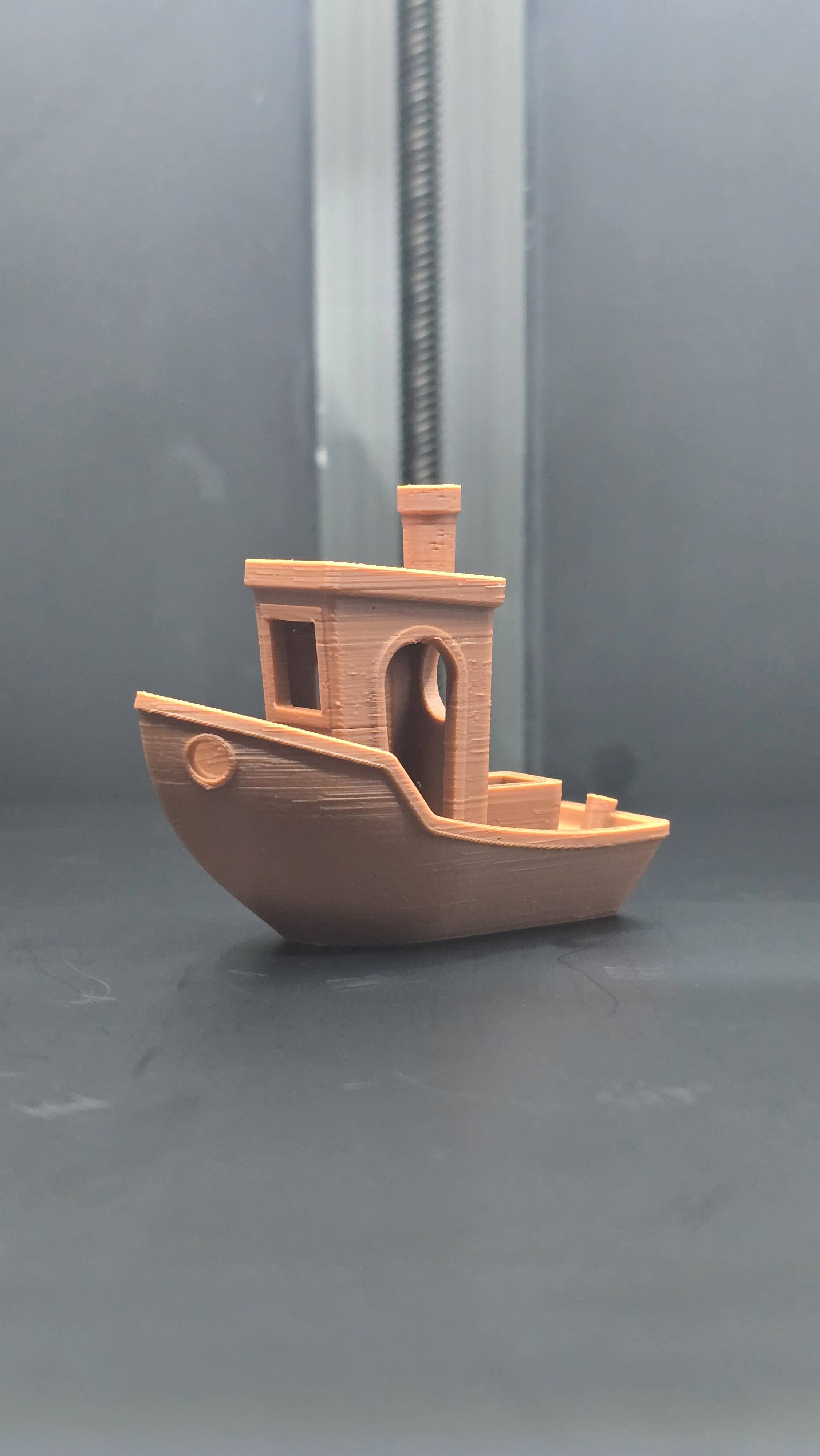
PLA temperature controls three things at once: layer adhesion, surface finish, and stringing. Too cold and the layers do not bond cleanly. Too hot and details get glossy, soft, stringy, or blobby. Most PLA spools list a wide range like 190-230°C, which is technically true and spiritually useless.
On a fast enclosed printer like the X1C, I would start at 215°C for normal PLA and 220°C for PLA Matte or PLA+. If the print looks stringy or overly glossy, drop 5°C. If layer adhesion looks weak or the extruder sounds unhappy, add 5°C.
The most profitable habit here is boring: print a temperature tower for every new filament brand or finish. One 30-minute calibration print can save half a spool of failed parts. That is not glamour. That is margin protection.
Need reliable starter material? check Bambu PLA Basic pricing on Amazon or compare with Bambu PLA Matte if you want better-looking surfaces.
2. First Layer: Clean Plate, Correct Squish, No Heroics
PLA first-layer problems usually come from one of three boring causes: dirty build plate, wrong bed temperature, or too much/too little first-layer squish. Before changing five slicer settings, wash the plate with warm water and dish soap. Finger oil is a tiny invisible villain with excellent sabotage skills.
For a textured PEI plate, use 55-60°C. If corners lift, bump the bed temperature to 60°C, add a brim, and slow the first layer down. If parts stick too aggressively or the bottom surface looks smashed, reduce first-layer flow slightly or raise Z offset only if your printer workflow supports it safely.
- First-layer speed: 30-50 mm/s
- First-layer height: 0.20-0.28mm, depending on nozzle/profile
- First-layer line width: 120-140% can improve adhesion
- Brim: use it for tall, skinny, or corner-heavy parts
If your build plate is worn or inconsistent, compare textured PEI build plates. For stubborn adhesion cases, a basic 3D printer glue stick is cheap insurance.
3. Speed: Fast Infill, Slower Outer Walls
Modern printers can move fast enough that speed becomes a quality setting, not just a time setting. The trick is not “slow everything down.” That wastes the reason you bought a fast printer. The better move is to keep infill and inner walls fast, then slow the surfaces people actually see.
For cleaner PLA prints, try 80-120 mm/s outer walls and let inner walls/infill run faster. This gives the nozzle more time to lay down the visible perimeter cleanly while preserving most of the time savings.

Juno's rule
If the print is ugly but dimensionally fine, slow the outer wall first. If it is weak, tune temperature and flow. If it will not stick, clean the plate before you start negotiating with the slicer gods.
4. Cooling: PLA Wants Fan, But Not Always Immediately
PLA likes cooling. Strong part cooling helps bridges, overhangs, text, small features, and sharp corners. The exception is the first few layers, where too much cooling can reduce bed adhesion.
A safe PLA cooling profile is: low fan or no fan for the first layer, ramp up through layer 3-5, then run 100% for the rest of the print. For tiny parts, enable minimum layer time so the plastic has a chance to solidify before the next pass.
5. Retraction: Fix Wisps, Not Everything
PLA stringing is usually temperature or moisture before it is retraction. If you already lowered temperature and still get fine hairs between travel moves, then adjust retraction. On Bambu printers, the stock PLA profiles are usually close. Make small changes, not wild jumps.
- Fine hair strings: lower nozzle temperature 5°C first.
- Blobs at travel starts/stops: tune pressure advance/flow calibration if available.
- Gaps after travel moves: you may have too much retraction or not enough temperature.
- Wet-looking hiss/pop: dry the filament before tuning further.
Yes, PLA can absorb moisture. Not as dramatically as PETG or nylon, but enough to hurt surface finish. A desiccant pack for filament storage is not mandatory on day one, but it becomes valuable once you have multiple open spools.
6. Flow Rate: The Difference Between Clean and Slightly Bulgy
Flow rate is where a lot of “my print looks almost good” problems live. Too much flow creates bulging corners, rough top surfaces, elephant-foot exaggeration, and dimensional overshoot. Too little flow creates gaps, weak walls, and ugly top layers.
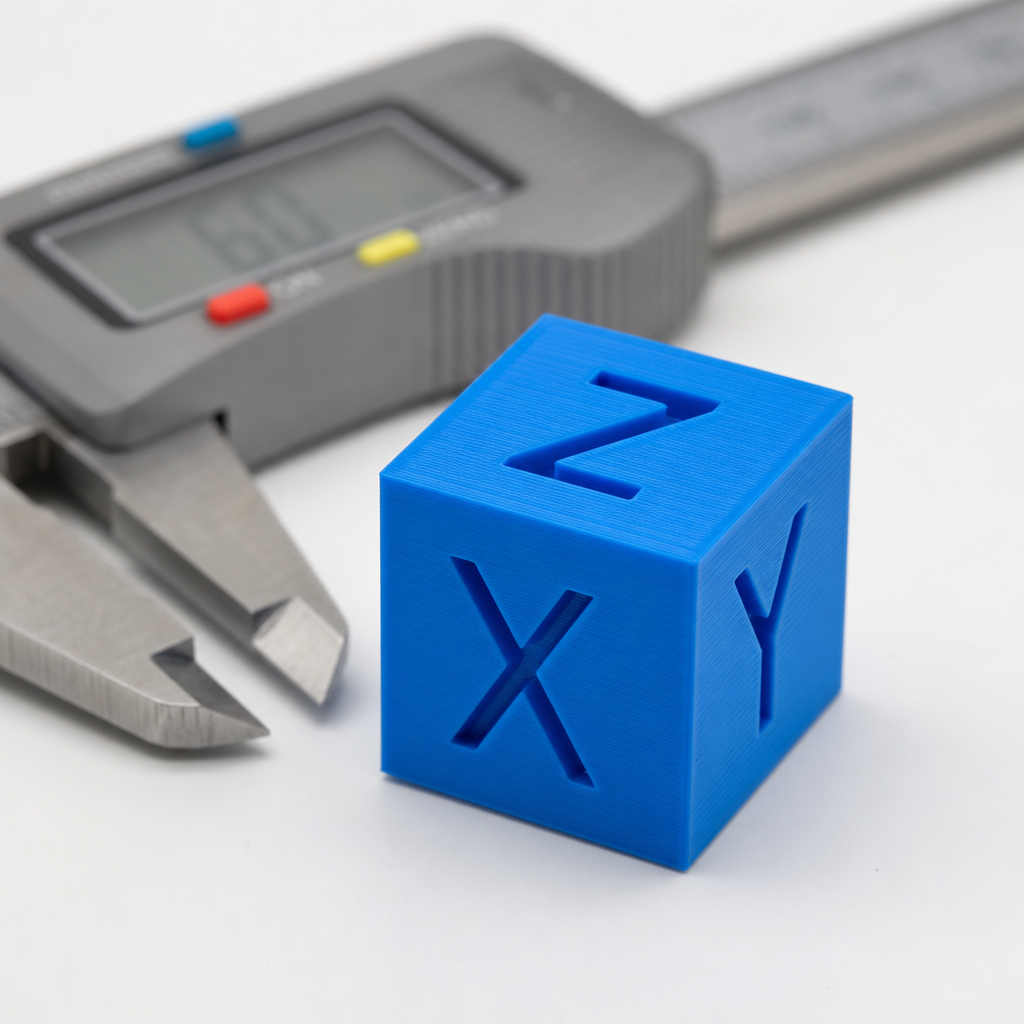
If you are using Bambu Studio, run the built-in flow calibration when changing filament types or brands. If you want to manually tune, print a simple calibration cube or single-wall test and measure it with digital calipers. Lower flow by 1-2% if walls are consistently too thick; raise it if top surfaces have gaps.
7. Supports: Cleaner Settings for Less Scarring
Support scars are where good PLA prints go to look chewed. For cleaner undersides, start with tree supports or organic supports when the model allows it. They use less material, usually remove easier, and reduce the contact area that can scar the part.
For normal supports, increase the top Z distance slightly if supports fuse too hard. If the underside droops, reduce the gap. There is no universal value because layer height changes the math, but the principle is simple: the gap should be just large enough to remove supports without turning the supported surface into spaghetti.
If supports are your recurring pain point, that deserves its own guide. For now, use this order: orient the part better, try tree supports, tune support interface, then modify the model if you control the design.
Common PLA Problems and the First Fix to Try
| Problem | Most likely cause | First fix |
|---|---|---|
| Stringing | Too hot or damp filament | Lower 5°C, then dry filament |
| Corners lifting | Poor adhesion or cooling too early | Wash plate, bed 60°C, add brim |
| Rough top surface | Flow too high/low or too few top layers | Run flow calibration, add top layers |
| Visible layer lines | Layer height/speed/material finish | Use 0.16mm, slow outer walls, try matte PLA |
| Blobs/zits | Seam, pressure, or temperature | Tune seam position and lower temp 5°C |
My Clean PLA Profile Starting Point
If I were tuning a new PLA spool from scratch today, I would use this sequence:
- Start from the stock Bambu PLA profile.
- Set nozzle to 215°C and bed to 60°C.
- Use 0.20mm layer height for normal parts, 0.16mm for prettier parts.
- Set outer walls to 100 mm/s.
- Use 3 walls and 4-5 top layers.
- Run flow calibration.
- Print a small real-world part, not just a benchy trophy.
Then I would adjust based on what failed. Not vibes. Evidence. Tiny cyber goblin spreadsheet energy, but for plastic.


Bottom line
The cleanest PLA prints usually come from small disciplined tweaks: 215°C-ish nozzle, 60°C bed, strong cooling after the first layers, slower outer walls, calibrated flow, and a clean plate. Before buying upgrades, tune the basics. After that, better filament and a dry storage setup are the highest-value improvements.
Next reads: why 3D prints warp and how to fix it, how to fix first layer issues on Bambu printers, best filament for Bambu printers, and how to stop PETG stringing.
Related Posts
Troubleshooting
How to Fix First Layer Issues on Bambu Lab (X1C, P1S, A1); Settings That Actu...
First layer not sticking, squished, or stringing on your Bambu Lab? Auto-calibration, Z-offset, bed temperature, and per-material settings to fix it.
2026-04-29Troubleshooting
Why 3D Prints Warp and What Actually Fixes It in 2026
Why 3D prints warp, curl, or lift from the bed, and the practical fixes that actually work: clean plates, bed temperature, brims, cooling, enclosures, and material choices.
2026-04-27Troubleshooting
How to Stop PETG Stringing; Settings That Actually Work in 2026
How to Stop PETG Stringing; Settings That Actually Work in 2026
2026-04-26This page may contain affiliate links. As an Amazon Associate I earn from qualifying purchases.